Together Friends,
Welcome to the first Together Tour of 2026! If you’re anything like me, the beginning of the calendar year brings a mix of renewed energy, busy transitions, and a healthy dose of “Wait … what day is it?” So it felt just right to kick off the year by spotlighting someone who manages big responsibility while remaining deeply grounded in family, community, and her own systems.
Together Tour: Shanda Gentry
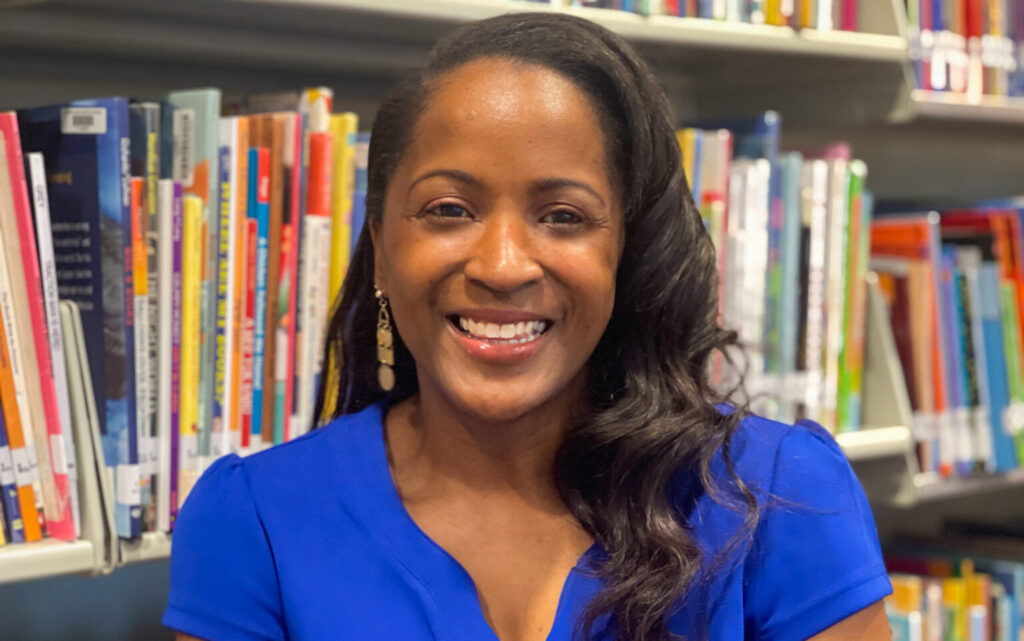
Meet Shanda Gentry, Chief Academic Officer at FirstLine Schools in New Orleans (fun fact, FirstLine was one of the first three organizations to ever hire us for a Together Teacher training – back in 2011 or so!), manager of four school leaders who each have nearly 100 employees, mom of four, spouse of an entrepreneur, and a proud hybrid planner user who loves both paper and tech to stay organized. I was blown away by her honesty about ADHD, her practical routines, and the way she uses systems to lighten her mental load. Also, January is her birthday month and if you live in New Orleans, it is Mardi Gras kick-off time! So, let’s celebrate!
What inspired you to build your Together System in its current form?
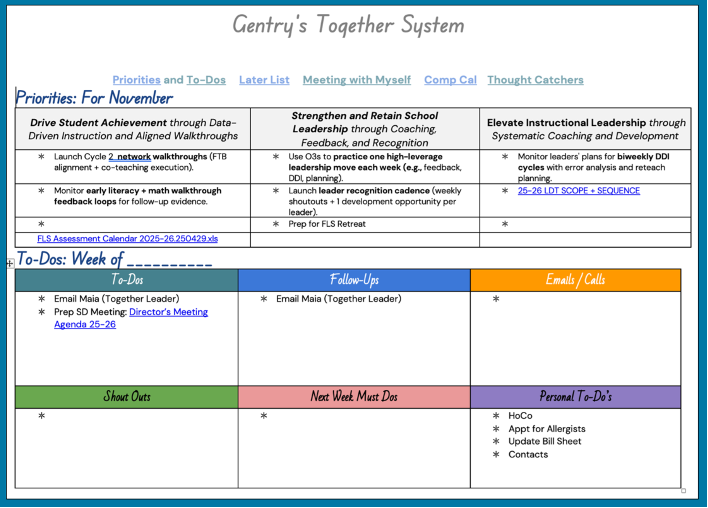
I am in my second year in my role as Chief Academic Officer, managing four buildings with about 100 employees each, and I realized I needed one place where everything lived. I also have ADHD, so if something is buried in folders or scattered across apps, it’s as good as gone. When I saw an example during a Together Group class, it clicked – if I put it all in one document, I would actually use it. Once I open my system, I can click into anything. It’s all right there.
How do you structure your weekly “Meeting with Myself”?
Fridays – or sometimes Sunday morning – are my reset days. I lay everything out: meetings, kids’ activities, priorities, and what’s coming at me next week. I’m very paper-based, but everything starts in Google Calendar. After I organize that, I transfer it into my Happy Planner. And writing it makes it real. If I write “board meeting,” that also triggers me to plan who’s getting the kids that night.
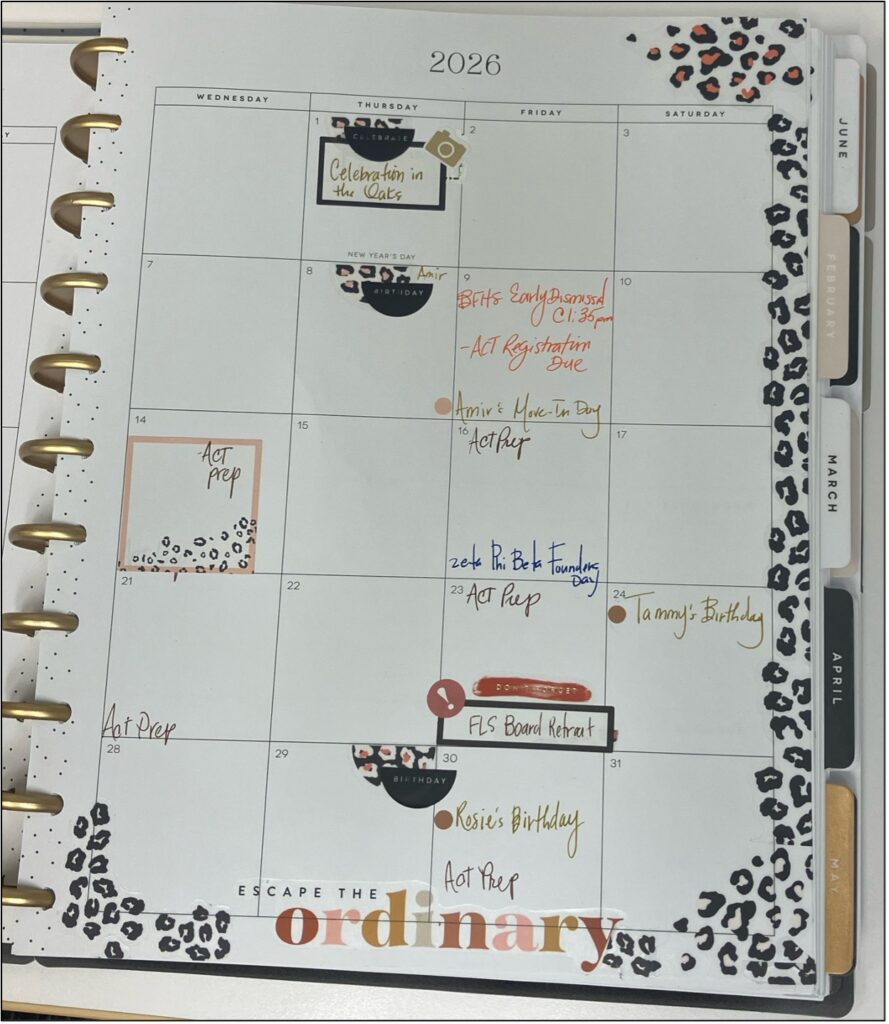
My Fridays are a little weird because Fridays have lots of meetings with various colleagues, including school leaders and the C-Team (Network Chiefs), and my schedule is full of odd-length chunks. But I still carve out that reset moment – even if it lands over lunch. I go through my week, set up agendas, and think about my personal life too. It’s like lining up dominoes so Monday doesn’t smack me in the face.
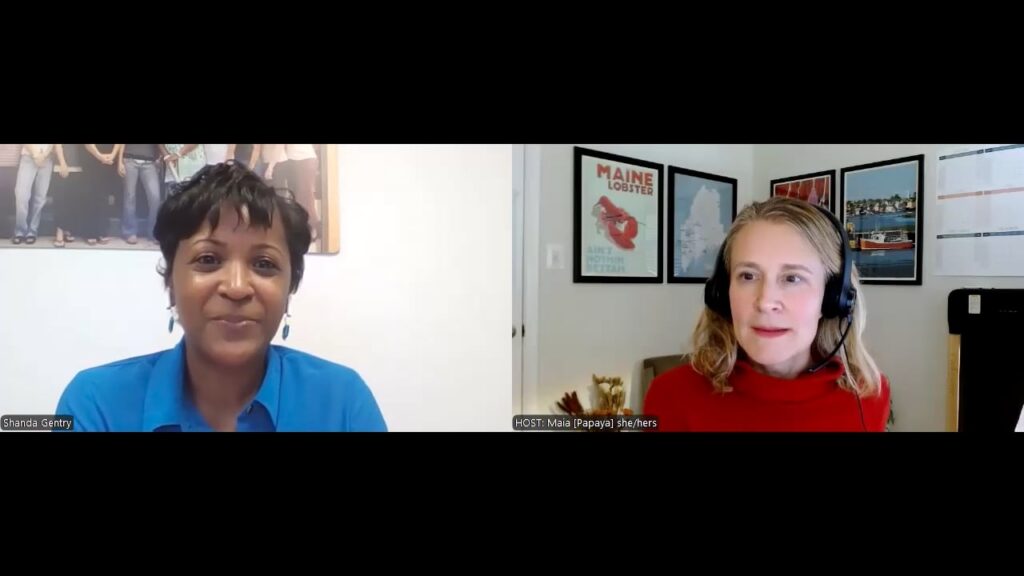
I see your Together System is full of hyperlinks. How do they help you keep track of recurring meetings and materials?
Having everything at my fingertips is a total game-changer. Every Friday, I reset all my agendas. My director meetings happen every Tuesday, so I link the agenda directly. I also have a “Meeting with Myself” doc and a different set of links for my 1:1s with each school director. Before this, I was constantly hunting for things. Now it’s one click.
You mentioned you’re better at handwriting than typing. How do you keep your handwritten notes connected to your digital world?
I print a lot and write a lot. Every other day, usually near the end of the day, I update my digital system from my handwritten notes. My girls’ after-school schedules mean I’m often working near their schools, so that last hour of the day is my Thought Catcher time. I check off what got done, transfer anything important, and clean up the next day’s plan. (Editor’s Note: This is essentially a daily mini Meeting with Myself which can be very effective for those of us juggling as many details as Shanda is!)
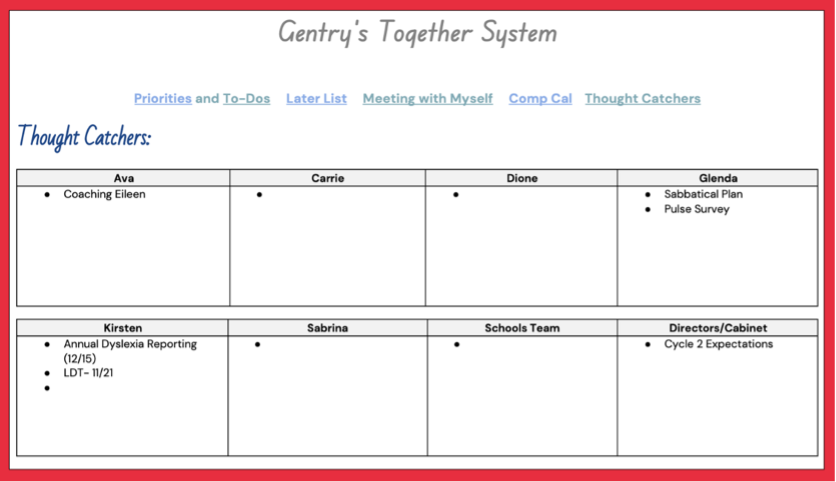
You manage managers—four school directors, each leading their own building. How do you stay Together across that many layers?
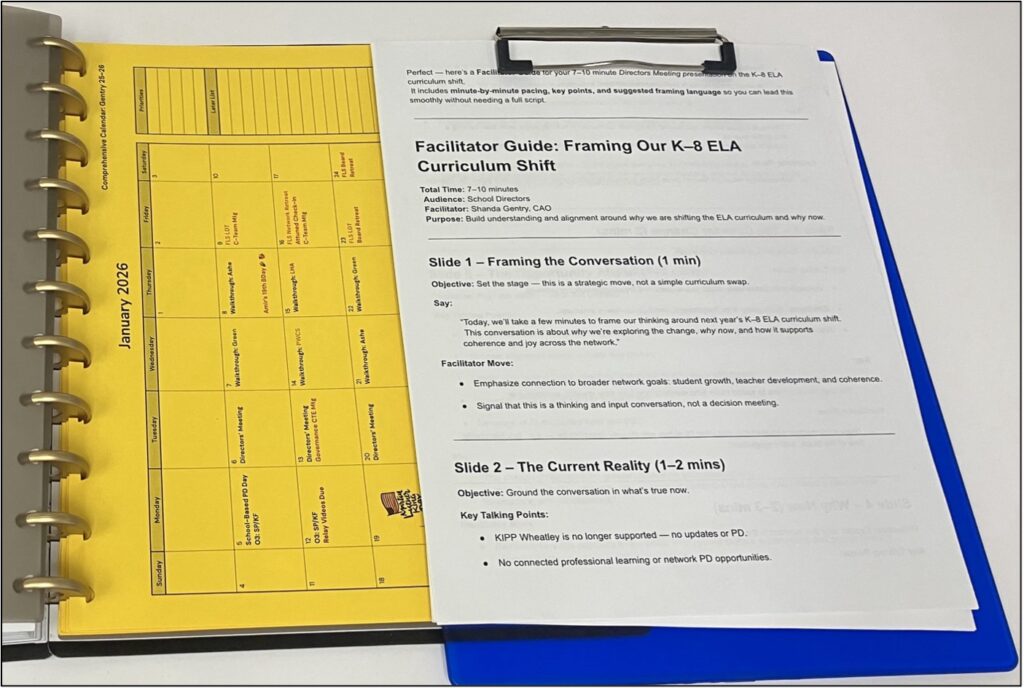
You have to be organized. Period. Two days a week I’m entirely in schools – Wednesday and Thursday. Mondays are for getting my life together, reviewing big-picture priorities, and meeting with our CEO and network team. I carry two versions of my system:
- A clipboard or binder for building walkthroughs
- My Happy Planner for office- or home-based work
After a walkthrough of four classrooms, I block time to debrief and take notes. I protect that time fiercely.
How do you handle taking notes on the move?
I build in time. If I’m doing classroom walkthroughs, I plan debrief minutes right after. If I have 1:1s with directors, I take a working lunch where I can catch up on email and log notes. It’s scheduled because if it’s not scheduled… it won’t happen.
Your system uses a blend of paper and digital Together Tools. How does this hybrid system support you at work and at home?
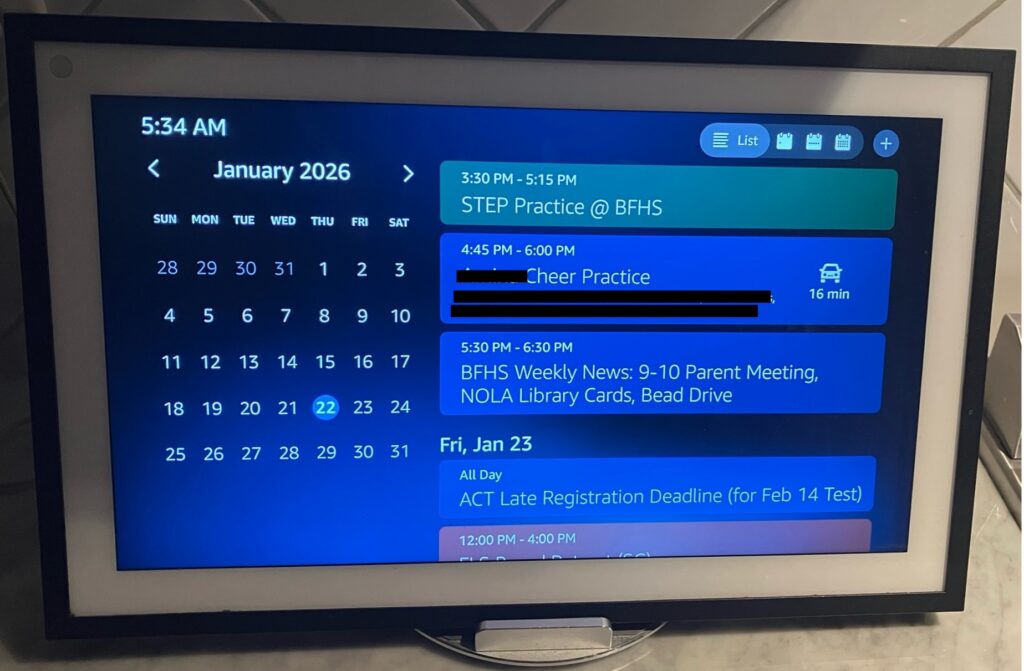
I use a discbound Happy Planner with a hole punch because I can customize everything. At home, we lean hard on digital tools. With four kids, we have a family email address, and our Google Calendar is linked to the Echo Show. Anyone can ask, “Alexa, show me the calendar,” and get real-time updates. My husband is an entrepreneur – he’s paper-leaning but tech-savvy – so the Alexa system fits both our brains. Anything outside the normal rhythm must go on the calendar or it disappears. (Editor’s Note: Check out how Allison and Shannon also integrate tech into their home systems!)
Thank you, Shanda, for such an open, detailed look at how you have built tools that really work for you, supporting you across multiple buildings and your six-person family. You’re a shining example of staying Together as your career has grown, your children have grown, and as you lead hundreds of others!
Here’s to a Together 2026!

- What to do when your boss needs Togethering? It can be tough when you’re putting your Together Tools into action, but your leadership isn’t there yet. Use these tips to adapt to a less-than-Together environment and create one where you can influence and support your team’s Togetherness.
- Haven’t found the right planner? Paper-based folks know that finding the perfect planner isn’t always easy. Maybe it’s time to make your own, like Shanda, Hannah, and Alison!
- Clear your paper clutter. By now, I’m sure you’ve all completed your end-of-year Tidy Time (right?). If you haven’t already, now’s a great time to scan, save, and shred your 2025 papers to make way for 2026!